Well Dweller abilities and map systems
Well Dweller is a metroidvania in the classic structure: explore several environments, defeat bosses, unlock new abilities, and use them to reach places that were previously impossible. The progression is described as slightly more linear than the genre's norm — the game pushes you through environments directly rather than leaving you free — but the ability-gated exploration loop is intact.
Traversal tools
| Ability | What it does | Useful situation |
|---|---|---|
| Matchstick springboard | Shoot a matchstick at a wall, then use it as a springboard to reach higher areas | A wall with a higher route |
| Wall climbing | Grip and climb vertical surfaces | Vertical exploration |
| Wall jumping | Kick off walls to ascend shafts | Narrow climbing routes |
| Wind riding | Catch wind currents to cross gaps | Gaps with a wind current |
| Mid-air hover | Tap jump again for a brief hang time | Correcting a jump in exploration or combat |
Boss wins are the delivery mechanism: defeating a boss "often leads to a meaningful new traversal ability", but the thirteen-boss roster is not a required route order by itself (boss guide).
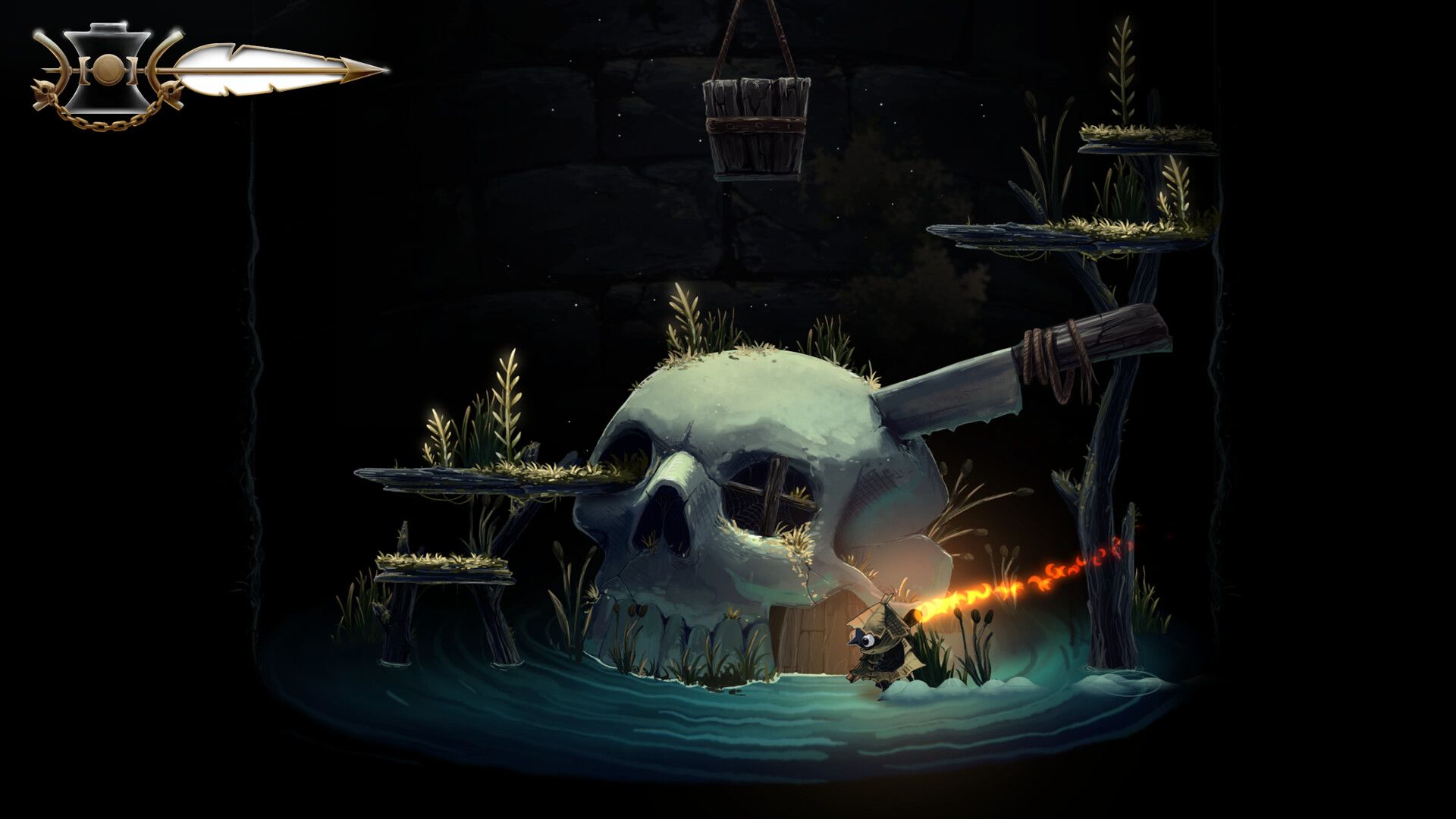
Use each new ability to revisit the routes you marked earlier. A boss name alone does not tell you which tool a nearby blocked path needs.
Tents: your save points
Tents are the game's anchors. Confirmed functions:
- Save your progress
- Buy items (shops live at or near tents)
- A nearby return point for another route or boss attempt
Tents are placed frequently — reviewers praise this exact design as the fix for the genre's stingy checkpoints. Find a tent before a boss, not after.
Fast travel
Fast travel exists and "minimizes unnecessary downtime"; new abilities can be put to use almost immediately after unlocking them, because backtracking routes collapse once travel is open.
Teleport refill and map icons after the queen
Teleporting refills flaming vessels after the October 2 patch. Check that resource at your destination when planning a return trip; the change is separate from health recovery or oil-vial supplies.
The patch also removes a confusing lock icon after defeating the queen for new games. Its stated scope is new games: an older save retaining that icon is not proof that it must replay the queen or has lost its victory. Do not use the icon alone as a new quest requirement.
For an Autumn Forest stone ball stuck inside a platform, the same patch lists a fix. That object fault is separate from lacking a traversal ability. Official October 2 notes.
The map screen
The map is a first-class menu tab — the official map screenshot shows a top bar of OPTIONS · POTIONS · STATS · PAGES · MAP, and reviewers confirm:
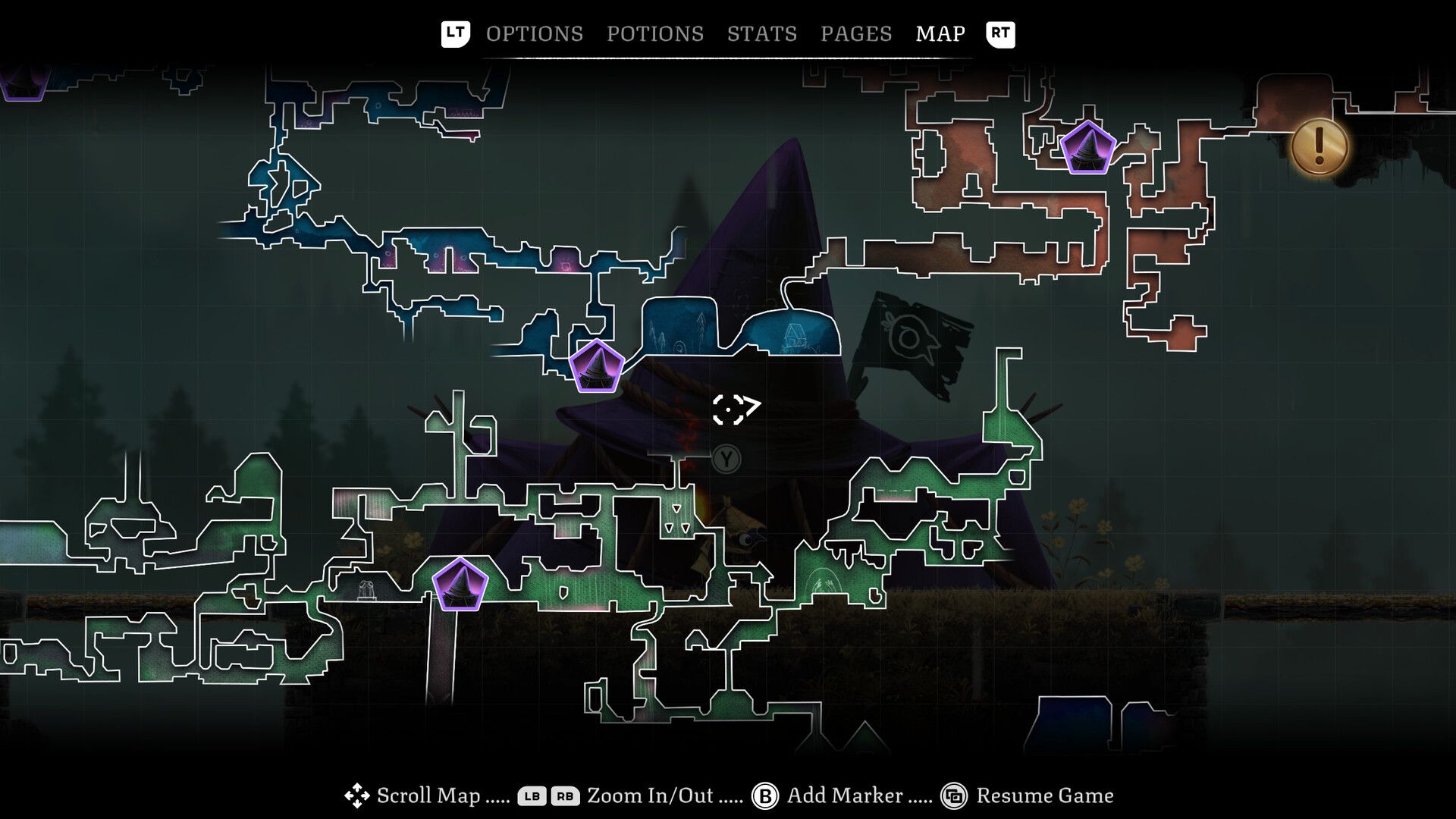
- Switchable map styles
- Zoom in / zoom out (LB/RB on controller)
- Custom markers (add with a button press, exactly what you want when a new ability unlocks a return point)
- Transparent map markers that guide main-story progression and highlight collectibles
- A gold objective icon marking the current goal
A practical habit from launch-week reviews: whenever you acquire a new ability, mark where you want to return — the marker system exists for exactly that loop.
Breakable walls and shortcuts
Breakable walls, hidden passages and puzzles are spread through every biome; a trinket can make hidden passages visible to the naked eye (trinket effects). Unlocking shortcuts back to old areas is the metroidvania heartbeat described in every review: "unlocking shortcuts to old areas and abilities to access new ones".
Related: collectibles · beginner guide · tips & FAQ