
Well Dweller beginner guide
If you have never touched Well Dweller, start here. The game is a hand-drawn metroidvania with a deliberately small control scheme and one clever idea at its center: your weapon and your health bar are the same object.
Controls (Xbox controller, confirmed by review)
| Input | Action |
|---|---|
| A | Jump — press again in the air for a short hover |
| X | Attack with the matchstick melee combo |
| Slide | Dash with invincibility frames — use it through hazard and enemy attacks |
Keyboard-only play is officially supported: the Steam page lists a "Keyboard Only Option", "Playable without Timed Input", adjustable difficulty, camera comfort and full controller support (DualShock and DualSense are both listed). Key rebinding is in the game, and the September 26 launch patch added Alt as an accepted bind target — if Alt would not register for you before that patch, it does now. The same patch fixed F12 screenshots and Steam video recording, so you can capture without third-party tools.
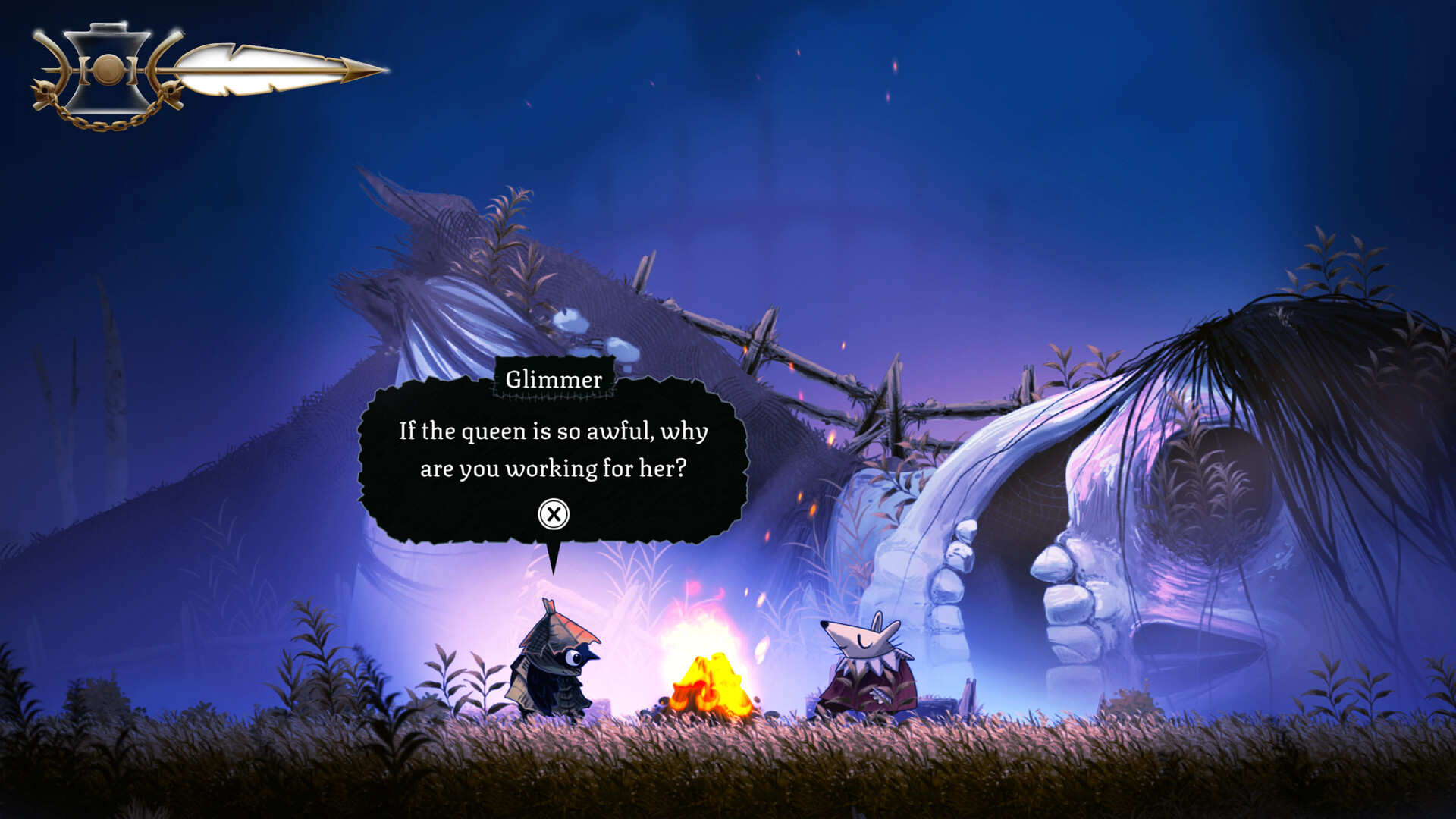
The matchstick is your health
This is the mechanic the whole game is built around:
- At full health the matchstick burns brightly.
- As you take damage the flame gets smaller, until you are "walking around with a little ember".
- You have no separate HP number to read — you read the fire.
Healing with oil vials
You eventually find oil vials that restore health, and healing carries a risk-reward twist: healing also temporarily increases your attack strength. That means healing is not just panic maintenance — it is also a small damage window you can play into before the boost expires.
A confirmed trinket interaction makes this system deeper: one trinket effect automatically refills your health with one of your limited oil vials when it gets too low, effectively automating the panic button (trinket details).
Refilling before another attempt
The October 2 patch makes teleporting refill flaming vessels. That is a vessel-resource refill, not a statement that every item or oil vial is restored. Check the vessel count after arrival before heading back into a fight.
The same patch fixes spa water failing to heal. If a spa visit does not restore health, update before treating that launch fault as a hidden payment or equipment requirement. Official second patch.
Difficulty and accessibility
Well Dweller ships with easy, normal and hard difficulty settings, and reviewers describe the balance as fair — challenging enough that bosses require learning attack patterns, without feeling unfair. On top of that the Steam page advertises:
- Adjustable difficulty
- Playable without Timed Input
- Keyboard Only Option
- Camera Comfort and custom volume controls
The October 2 patch adds checkpoints to the Innkeeper chase on easy difficulty. That specific change does not establish the same checkpoints on normal or hard. Select the difficulty for the encounter you want to learn, then use the chase checkpoints available on that setting.
Your first hour, step by step
- Leave the well and learn jump, attack and slide — the slide's i-frames are your main defensive tool.
- Watch the flame after every hit; let it retrain you away from looking for a HP bar that does not exist.
- Kill enemies for currency — it is safe even if you die later.
- Reach your first tent: save, shop, and note that tents act as anchors throughout the game.
- Open the map (a dedicated tab with zoom, style switching and custom markers) and drop a marker on the gold objective icon.
Story in one paragraph (no spoilers)
Birds have gone nearly extinct in a wretched kingdom. Glimmer's mother sends him to a hunter's house to fetch food, the hunter's chase gets your whole family kidnapped, and the queen wants golden feathers for her royal gown. You play as a tiny bird with a matchstick, and the quest is straightforward: rescue your family, and eventually deal with the queen.
Next: trinket builds, boss tips, or abilities and the map.